Posted by
Webber
at
7:27 PM
| 31 Practical (Web) Interface Design Tutorials

Designing a website has never been easier. If you asked a web designer who been long enough in the industry, they could tell you there's actually not much resources, articles nor communication channels regarding web design/develop in the older days, let alone high quality free tutorials. If you intend to create your own personal websites or perhaps redesign your blog theme, it's not something too hard already. Thanks to generous designers and contributors, the net is full of great tutorials with step by step guides helping you building web interfaces and navigation. And with this blog post, we've probably just scratched the surface of what's out there. We've previously showcased you 40 great Web Interface Design, and today we want to show you another 31 Practical Interface Design Photoshop tutorials. Full list after jump.
Headers and Navigation Creating effective navigation for websites are essentially important as they determine how visitors surf and navigate your website. We've hand-picked some really sleek and simple navigation tutorials for the showcase. Making tweaks and changes will come pretty easy once you've mastered these tutorials. -
How to create a dark blue header with a retro spin on it. 
-
How to design the Wii header found at Nintendo.com. 
-
How to create a colorful design studio header layout. 
-

-

-
How to create a simple, yet effective navigation for your website. 
-
Navigation menus can vary from ordinary text links to the most complicated dropdown menus. This tutorial is describing detailed process of creation of "plastic" navigation bar. 
-
Learn how to create a sleek content box that features a curled corner to give it a more dimensional approach. 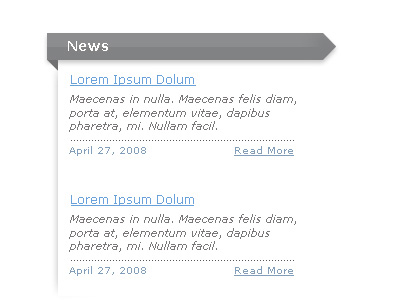
-
How to make a stylish looking green navigation with a shine effect. 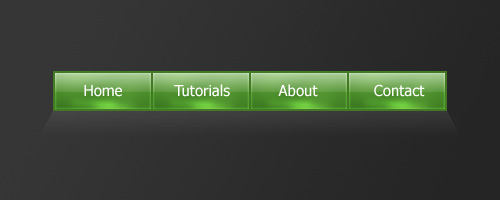
-
How to combine several layer styles to create a beautiful yet simple navigation bar. 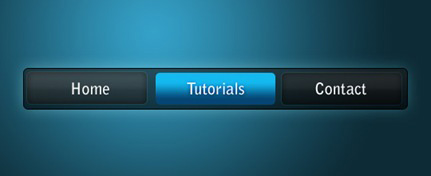
-
Simplicity is the key to beautiful web layouts. Learn how to draw a beautiful navigation bar in Photoshop. 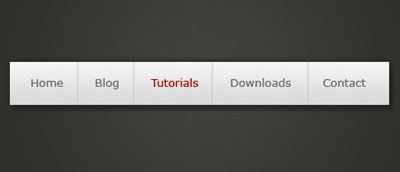
-
How to create a modern web search bar with a drop down menu. 
-
How to make a more advanced styled navigation box using some more effects and tools. 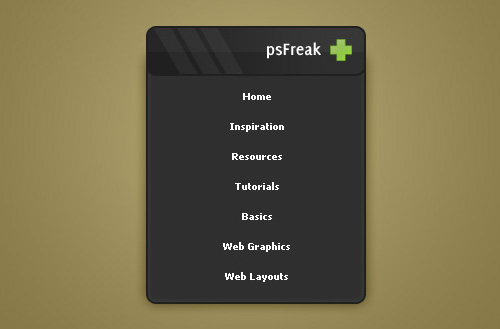
-
How to use some tools and effects to make a navigation box for a web layout which you can apply the same techniques to make content boxes etc. 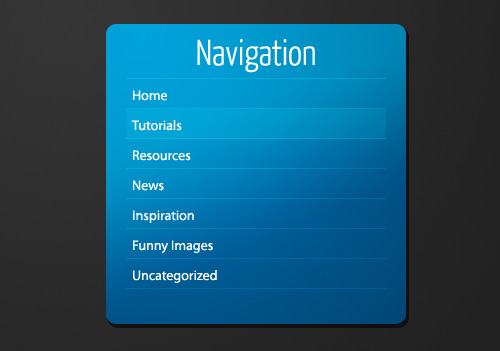
-
How to create a professional gaming header design. 
-
This tutorial assumes that you know your way around Photoshop enough not to need too much hand-holding. You should know your way around the Layers palette and know how to add Layer Styles, use Custom Shapes and Clipping Masks without much explanation. 
-
How to create a unique, and professional-styled bookmark/promote box for your personal Blog, or maybe even your website. 
Full Layouts For those who wish to create a website and with no idea at all, here are tutorials that guide you through designing the entire webpage layout, head to toe. -
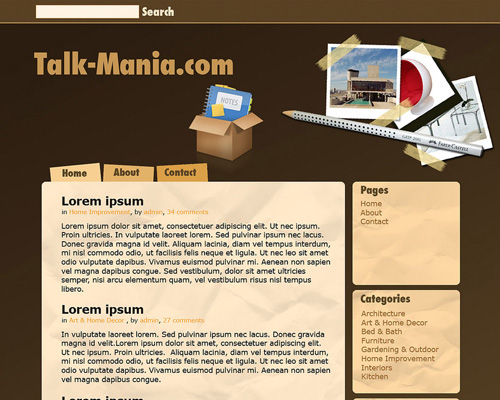
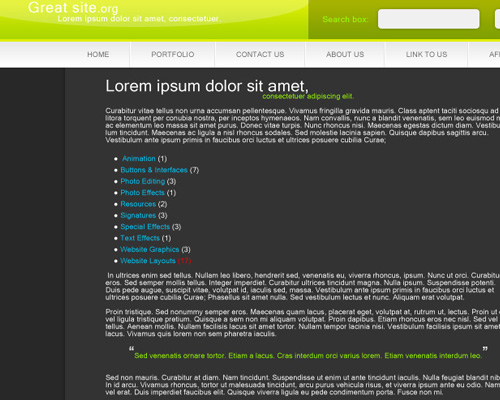
Easy steps to create a sleek template. 
-
-

-
-
How to design a cool grungy website layout. 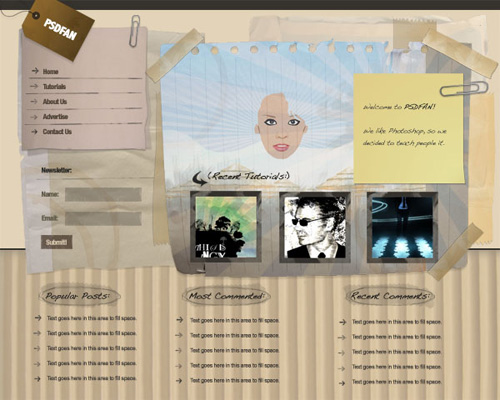
-
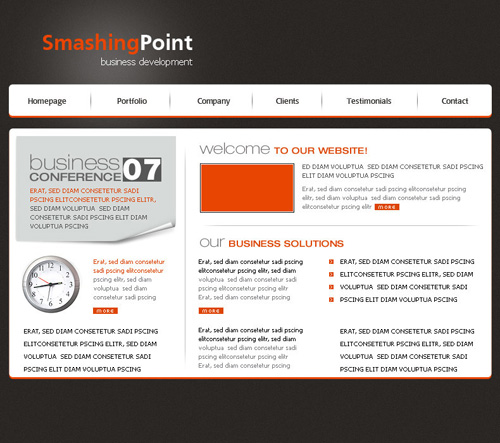
-
Several new techniques are covered in this tutorial, such as interesting use of the drop shadow element. We'll also cover creating a see-through navigation bar, as well as creating our own unique icons for this layout! 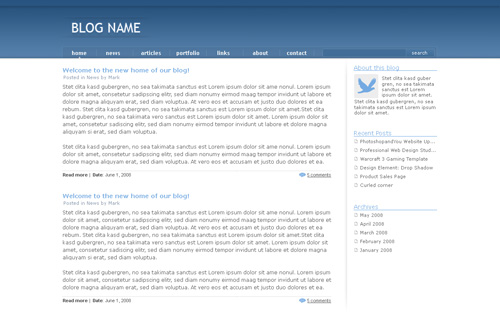
-
This tutorial will discuss how to create a fantastic grunge layout in Photoshop. It uses some techniques that are fairly common, and a couple that I've not seen discussed elsewhere before. 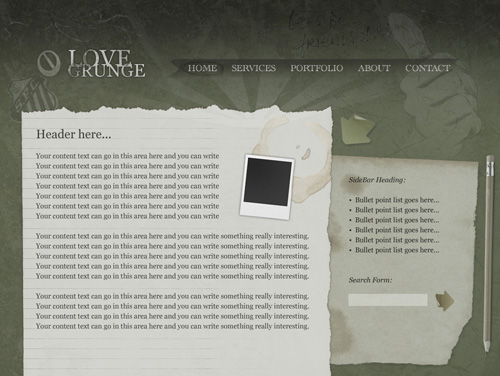
-
Create a clean and contemporary website design for a real estate related website. 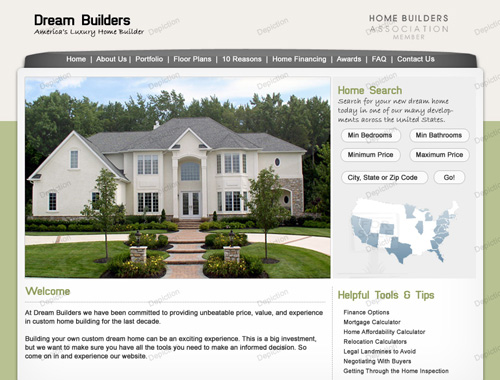
-

-
This tutorial will cover the process of designing a vibrant and colourful modern blog layout in Adobe Photoshop. 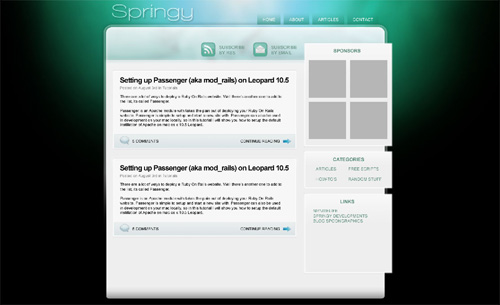
-
Awesome photography portfolio design with a lot of content boxes and an attractive look. 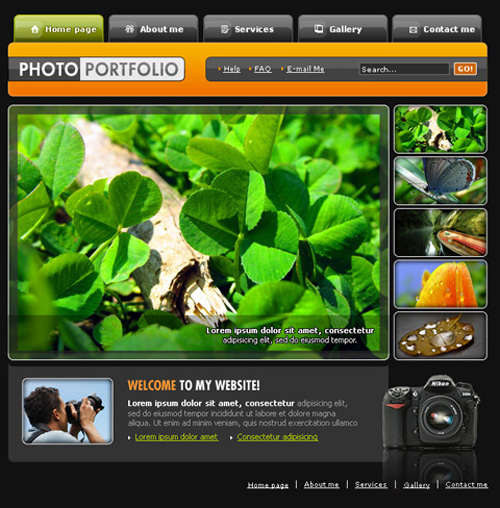
-
First photoshop tutorial and we thought it's great. 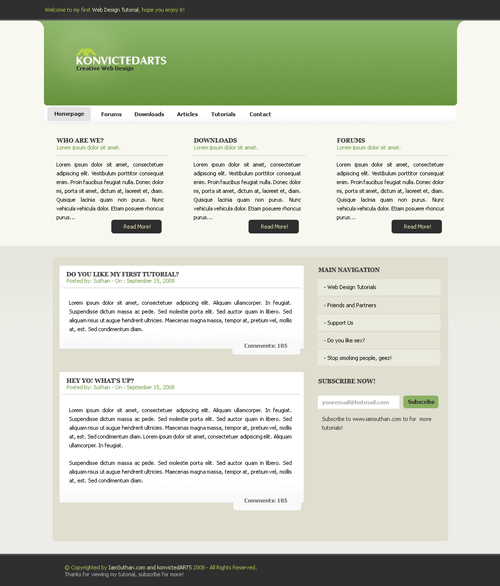
-
How to make a unique desktop style layer, using common work desk objects. 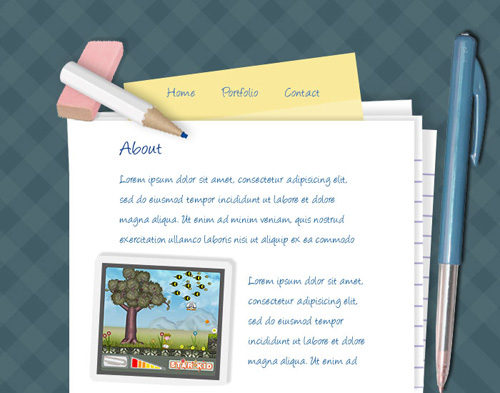
|
Posted via email from webber's posterous
This entry was posted on 7:27 PM
.
You can follow any responses to this entry through the RSS 2.0 feed. You can leave a , or trackback from your own site.
0 comments:
Post a Comment