| |
| 30 Excellent WordPress Video Tutorials WordPress is one of the most popular publishing platforms currently out on the market. It's free, highly-customizable, and very easy to install and use. Because of its popularity, you'll find a wide array of resources that discuss WordPress development, administration, as well as plenty of user guides to help you get started quickly. In this article, we take advantage of the merits of learning by way of watching video tutorials and screencasts. Video tutorials allow you to learn by following along with the instructor in real-time - a format that's very effective for many people. You can use these video tutorials a couple of ways: to learn about WordPress yourself or to send to your not-so-technology-inclined clients as a reference to help them get started. You'll find the tutorials organized into several topics that include theme development and customization, site administration, beginner's tutorials, and using some WordPress tools. WordPress theme developmentDesigning for Wordpress
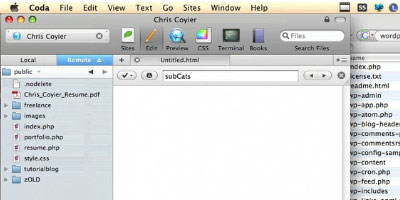
See Chris Coyier's (of CSS-tricks) process for designing a WordPress site in this three part series. Also check out part 2 and part 3. Creating a WordPress Template
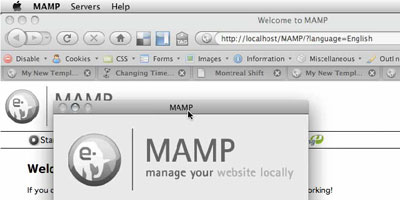
Here's a tutorial series (also see part 2 and part 3) for creating a WP template using a variety of free tools such as MAMP (for local machine development) and TextWrangler (a text editor). Hodgepodge of WordPress Tricks
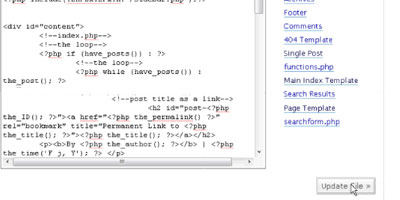
You'll see a variety of useful WordPress theme customization tips and tricks through this video tutorial. WordPress as a CMS
Learn how to create a WordPress site that's more of a fully-featured content management system (like Drupal or Joomla) rather than a blogging platform using a few tools at your disposal such as the SimplePie WordPress plugin. Install WordPress Locally
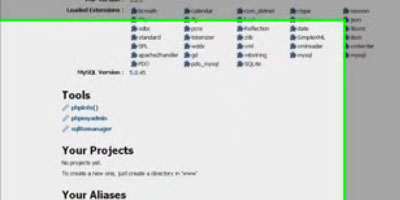
Learn how to run WordPress using a WAMP setup on your local machine for development and testing. How to Modify WordPress Theme
In this tutorial, you'll learn about some Theme Template tags in WordPress. Add a Twitter Field to Your Form
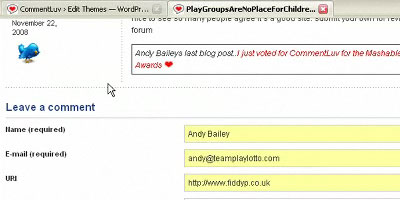
Learn how to install and set up the WP Twitip ID plugin to integrate Twitter into your WordPress site. How to put a Custom Header in your WordPress Blog
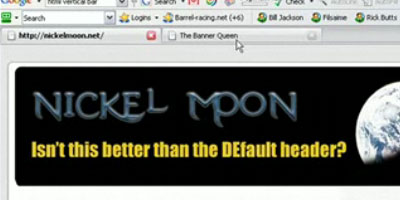
Replace the default WordPress header to a custom-made header so that you can quickly get started with your WordPress blog. Create your first widget
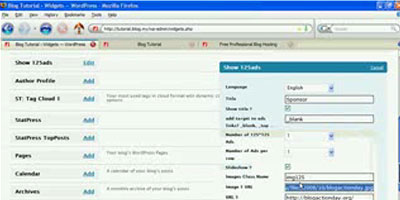
This video tutorial shows you how to create a theme widget for WordPress. How to make a WordPress plugin
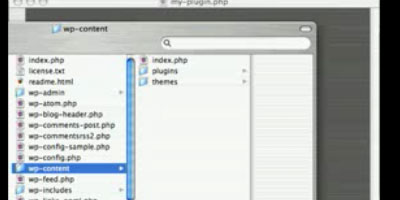
Learn how to create a WordPress plugin that follows the WordPress plugin development guidelines. AdministrationHow to setup PrettyURLs on WordPress
Learn everything about permalinks (including how to set it up on your WordPress site) in this video tutorial. Setting up a member/user directory in WordPress
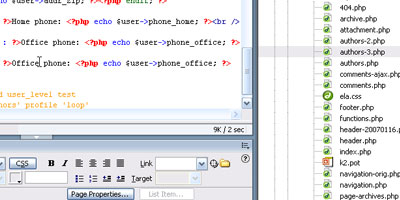
This video tutorial shows you how to create a member/user directory listing page to display member information. Lost Password, Update User Info
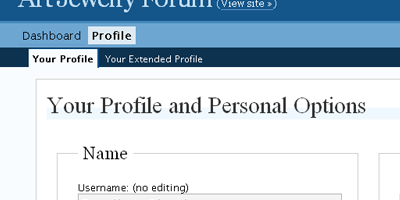
This helpful tutorial teaches site administrators what to do in case a user loses his or her password. Enable HTTPS
Learn about HTTPS as it pertains to the security of your WordPress site in this insightful video tutorial. Best Practices for Upgrading WordPress
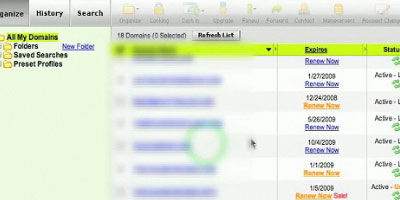
Upgrading WordPress is a simple task but there are some steps you should consider before proceeding with a major upgrade (such as backing up your WordPress database). In this tutorial, you'll learn about a good way of safely upgrading your WordPress installation. Moving your Blog, changing your domain name
If you need to move your WordPress installation to another location on your server or web host you should check out this general tutorial on the steps involved in relocating your existing WordPress site. Import and Export WordPress Data
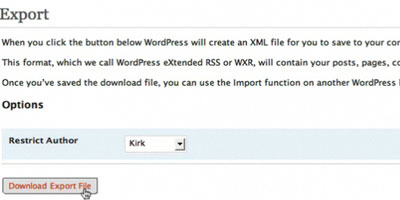
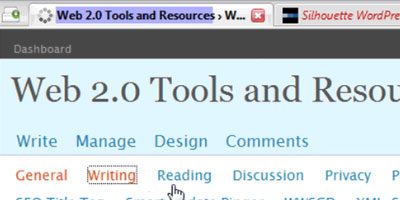
Learn everything about exporting and importing your WordPress data by viewing this excellent screencast. WordPress blog admin settings
Get a run-down of useful WordPress admin settings to help you properly administer your site. WordPress User Roles Explained
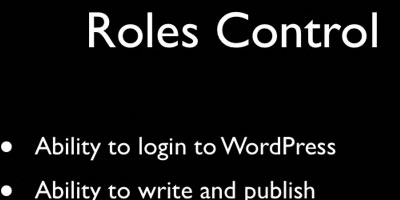
There are several user roles that you can assign to members of your WordPress site - this thorough video tutorial teaches you the difference of each. Getting started with WordPressCreating the Database for your Wordpress Installation
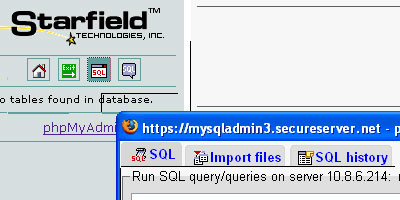
One of the first steps involved in the installation of WordPress is the creation of a database. This tutorial shows beginners how to create a database for WordPress using phpMyAdmin, a freely available web application that most shared hosting plans have. Creating a Sitemap using the Google Sitemap Generator Plugin
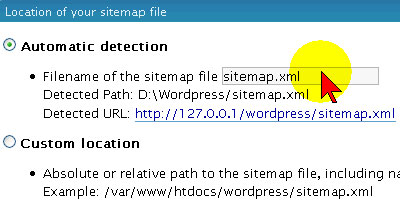
Improve search engine results using the Google Sitemap plugin - this tutorial shows you how to install and set up the plugin. Getting Started
Geared for beginners, this tutorial is a great general introduction to blogging and WordPress. Wordpress installation and theme tutorial
Get up and running with a WordPress installation, as well as learn the basics behind WordPress themes, by following along this video tutorial. How to Upload PDFs
WordPress users that want to learn how to upload PDFs to share to their audience might find this short video tutorial useful. Photo Captions
Captions describe the photos displayed on a post and in this tutorial you'll see a method for adding them to photos of a blog post. Simple Page Edit in WordPress
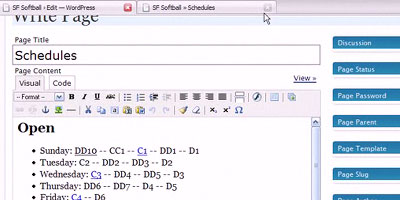
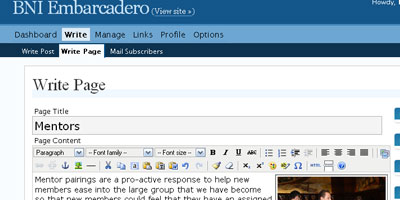
This screencast shows beginning users how to edit a page in the WordPress admin section. How do I create a picture gallery in my blog post?
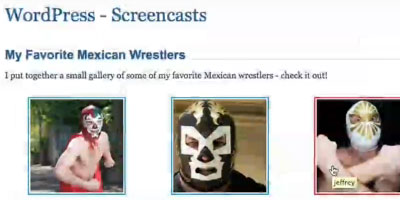
This tutorial shows you how to put together a picture gallery post in WordPress. HTML & QuickTags vs. Visual Editor
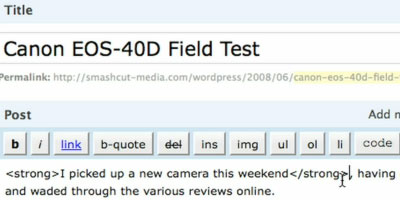
Learn the difference between editing content through the Visual Editor (the built-in WYSIWYG editor in WordPress) and good old-fashioned HTML. WordPress toolsUsing Windows Live Writer
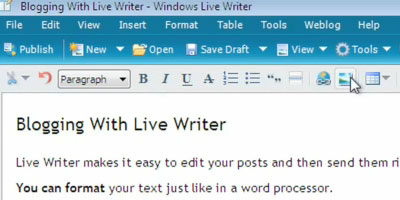
Set up Windows Live Writer for WordPress so that you can let authors write blog posts offline. How do I write WordPress blog posts with the ScribeFire Firefox add-on?
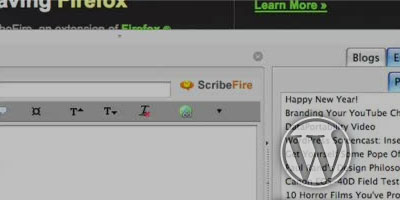
Make blogging hassle-free with ScribeFire, a Mozilla Firefox browser add-on that let's you update posts on-the-fly. Further reading
Related content
|


0 comments:
Post a Comment